Confirm the source
Verify the complete domain and publisher. Avoid links forwarded by strangers.
Read the guide →Manage access, understand your keys, and review every transaction. Build confidence with a clear path from installation to backup.
Explore security guides →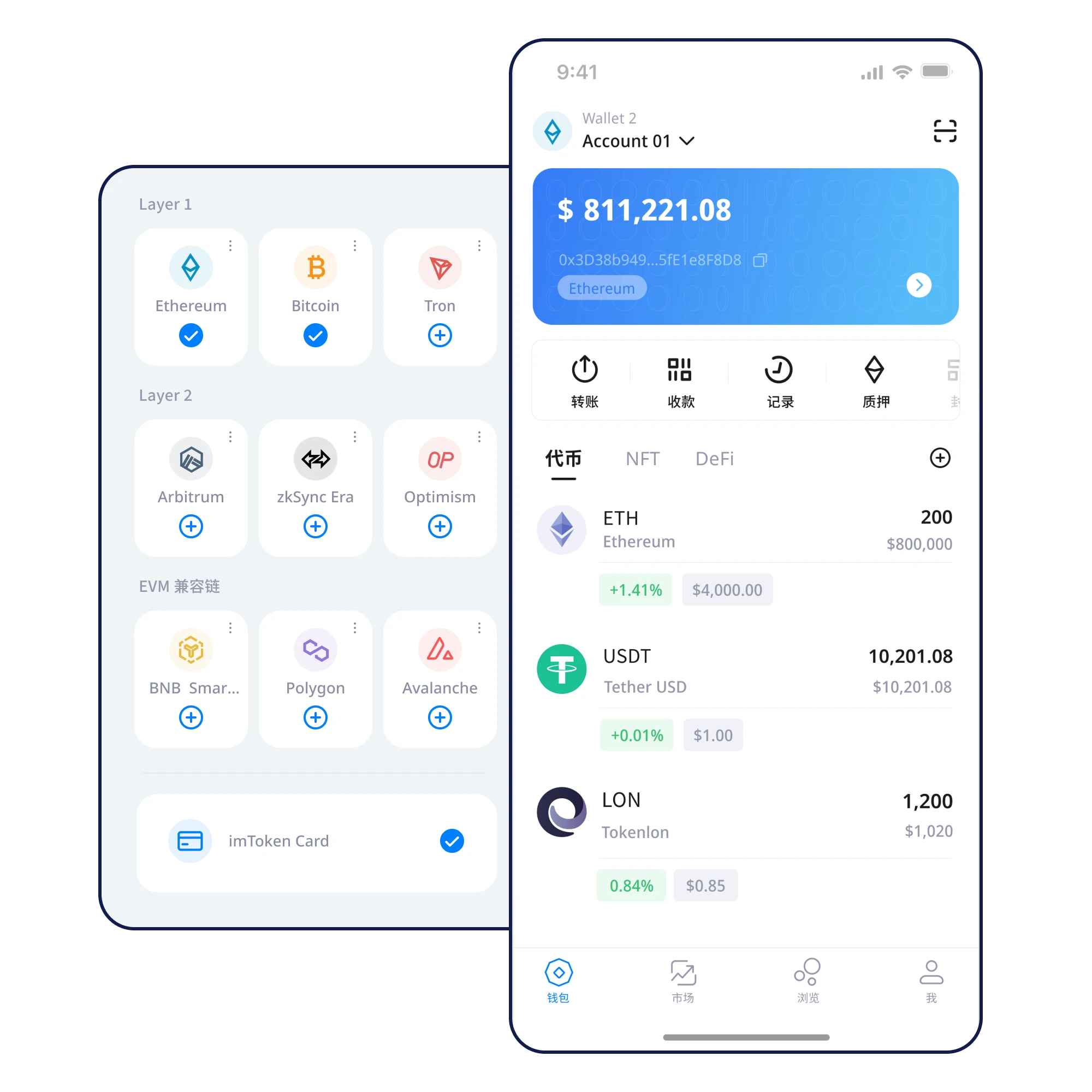
Keep keys local
Back up before use
Review every transfer
Never share recovery words
A useful wallet view starts with the right context: asset type, blockchain network, and transaction status. Amounts shown here are illustrative, not live user funds.
 Explore asset management →
Verify the complete domain and publisher. Avoid links forwarded by strangers.
Read the guide →Use a trusted device, review requested permissions, and choose appropriate access protection.
Read the guide →Keep every word in the correct order. Never photograph or share your phrase.
Read the guide →Check readability and storage before holding assets that need to be recovered.
Read the guide →Match token contracts and networks; avoid relying on ticker symbols alone.
Read the guide →Check network, address, token, amount, fees, and any approval before signing.
Read the guide →Understand where credentials are controlled and why device security and offline backups work together.
Read more →
Confirm your backup before changing devices, and never enter recovery words on a support website.
Read more →
Verify the network alongside the address, and understand approvals and fees before signing.
Read more →
Your credentials should stay under your control.
Check networks, addresses and transaction intent.
Protect recovery information before you need it.
Eight focused paths for safer wallet decisions.
Verify the publisher and source.
Never provide recovery words to any form or agent.
Match the token and blockchain network.
Understand signatures and contract approvals.
No. A legitimate support flow should not request it.
Check the recipient address, network, token, amount, fees and approvals.
No. The product panels are illustrative only.
Verify the software source, prepare an offline recovery backup, and review every transaction.
⬇ Download Now